Space 间距
CAUTION
参考 antd 的实现模式,支持创建水平、垂直间距。间隔大小、对其方式、分割线内容。
实现 context 模式,支持顶层传入间隔大小、对其方式、分割符内容。
实际上底层也是通过 flex 布局实现的,日常业务代码中完全可以使用一个 scss 中 mixin 来实现。不过缺点就是不好追踪上下文。
考虑将其抽离中组件,更加的灵活。
定义 props
ts
// 继承 div 的所有属性及事件
export interface SpaceProps extends React.PropsWithChildren<React.ComponentProps<'div'>> {
  className?: string;
  style?: React.CSSProperties;
  size?: SizeType | [SizeType, SizeType];
  split?: React.ReactNode;
  direction?: 'horizontal' | 'vertical';
  align?: 'start' | 'end' | 'center' | 'baseline';
  wrap?: boolean;
}

type SizeType = 'small' | 'medium' | 'large';

export const Sapce: React.FC<SpaceProps> = (props) => {
  const {
    className,
    style,
    size = 'small',
    direction = 'horizontal',
    align,
    wrap,
    children,
    ...rest
  } = props;
  return <div style={...style} {...rest}>
  </div>
}
类名样式处理
tsx
const classNames = cs(
  'space',
  // 方向通过此类名控制
  `space-${direction}`,
  // align 存在时才会有这个类名
  { [`space-align-${align}`]: align },
  className
);
scss
.space {
  display: inline-flex;
  &-vertical {
    flex-direction: column;
  }
  &-align {
    &-center {
      align-items: center;
    }
    &-start {
      align-items: flex-start;
    }
    &-end {
      align-items: flex-end;
    }
    &-baseline {
      align-items: baseline;
    }
  }
}
换行、间距
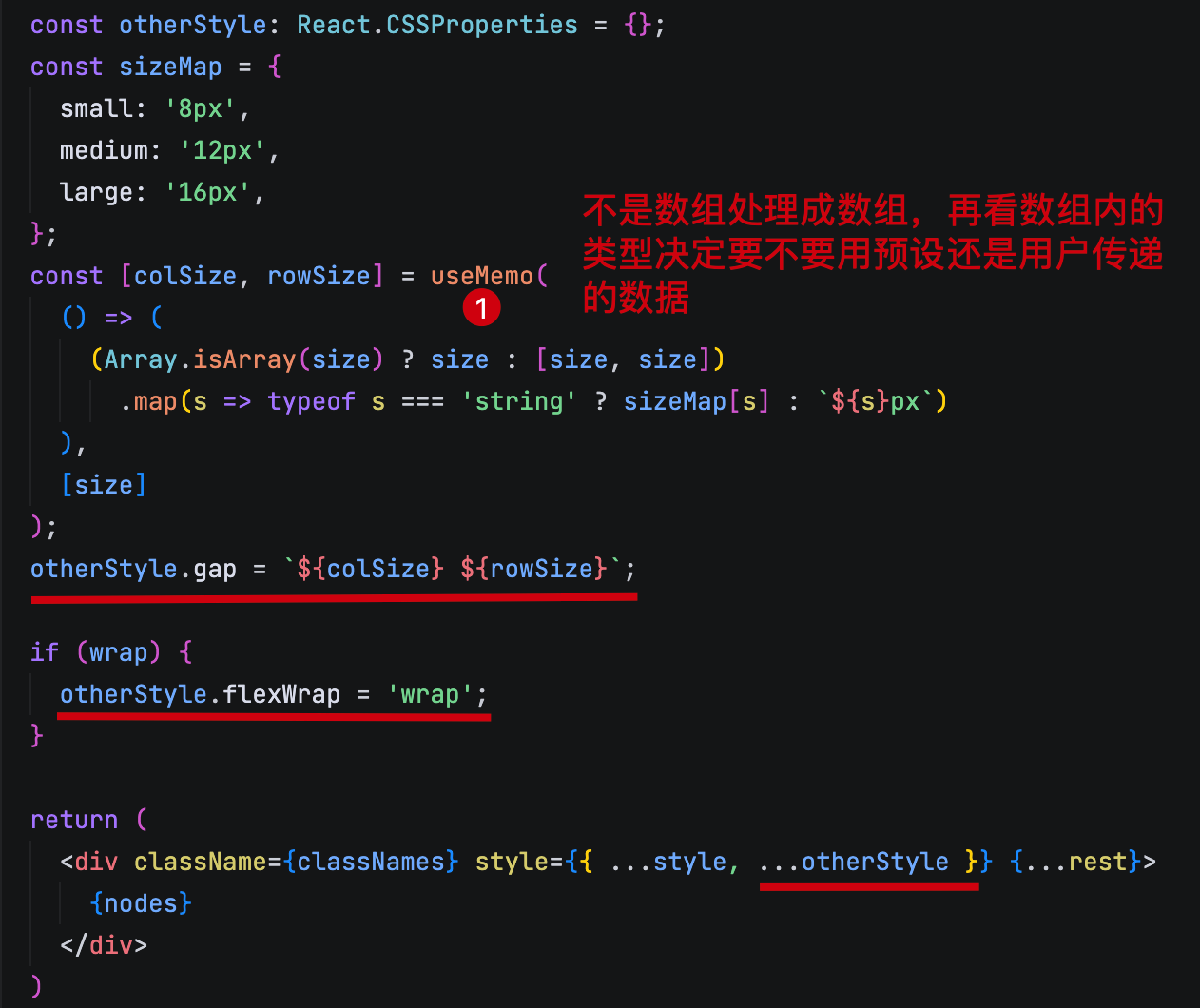
支持 context 传递
ts
const { space } = useContext({} as React.Context<{ space: { size: SizeType } }>);

const {
  className,
  style,
  children,
  // 如果传递的有 size 则使用传递的。
  size = space.size || 'small',
  align,
  direction = 'horizontal',
  wrap,
  ...rest
} = props;
children 的处理方案
在 react 中,不能直接对 children 进行遍历。管理提供了一些对于 children 的处理方法。
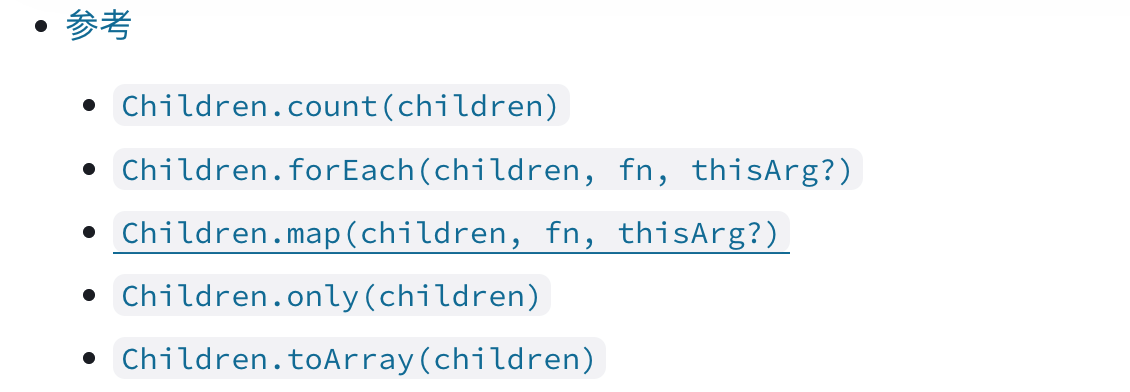
虽然官方已经将其纳入了过时 API 中,实际上在组件内获取不定长的 children 仍然只有这一种方式。哪怕在 antd 中也是通过这种方式来实现的。
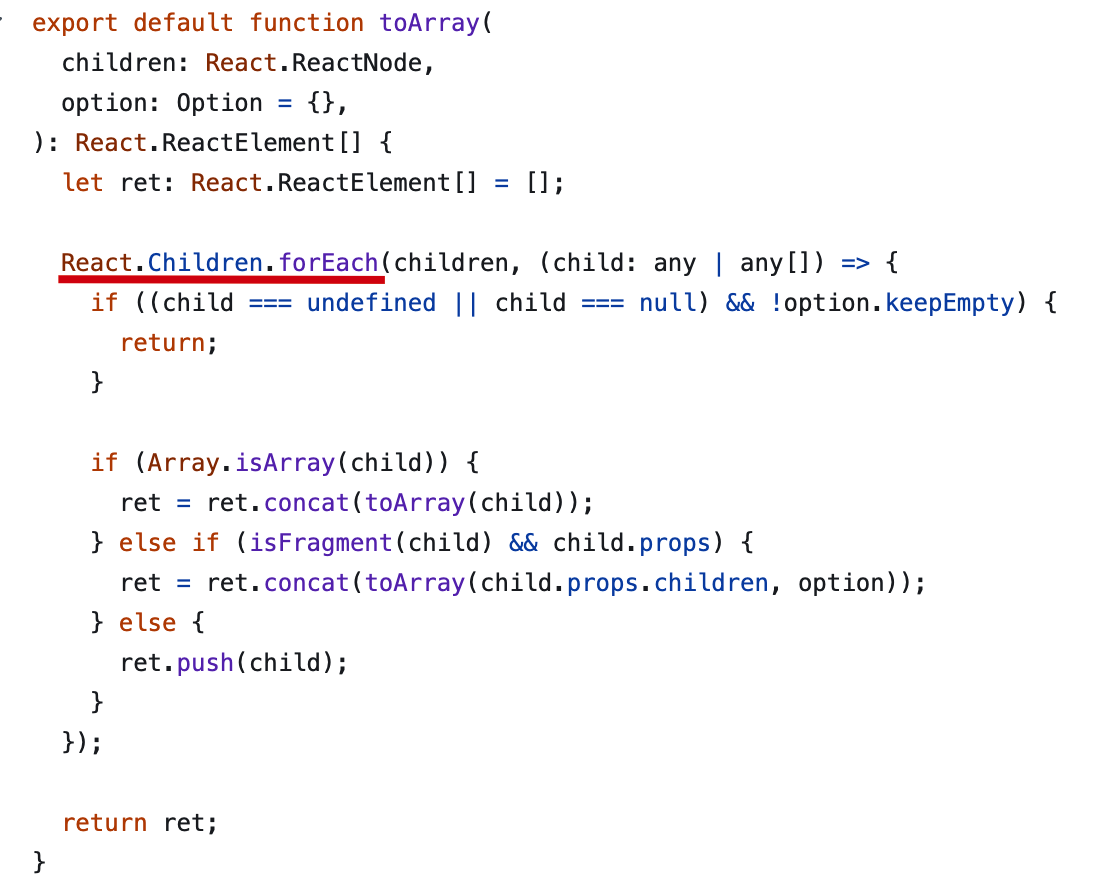
ts
import { Children } from 'react';

export const Space: React.FC<SpaceProps> = (props) => {
  const {
    className,
    style,
    size = 'small',
    direction = 'horizontal',
    align,
    wrap,
    children,
    ...rest
  } = props;

  const childNodes = Children.toArray(children)
    .map((child, index) => (
      <div className='space-item' key={index}>
        {child}
      </div>
    ));
  return <div className={classNames} style={...style, ...otherStyle} {...rest}>
    {childNodes}
  </div>
}